
Download 3D Chess Online – 3D chess, online chess, chess game, multiplayer chess, puzzle chess, chess for kids, strategy game
Overview
3D Chess Online is a strategic mobile application designed to bring the timeless game of chess into a modern, visually immersive environment. Developed by PlayGames, the app offers a fresh take on classic chess by integrating 3D graphics and interactive gameplay elements. It is tailored for users of all ages, with a particular focus on children and young learners who benefit from mental stimulation and social engagement.
The game serves as both an educational tool and a recreational platform, promoting strategic thinking, problem-solving, and concentration. Its core purpose is to preserve the traditional values of chess while adapting them to contemporary digital experiences. The app supports both local and online multiplayer modes, enabling face-to-face or global competition.
This dual functionality enhances its utility in classrooms, homes, and casual gaming sessions. Real-world use cases include after-school learning programs, family game nights, and independent cognitive development exercises. By combining entertainment with mental challenge, 3D Chess Online contributes meaningfully to the mobile strategy game ecosystem.
The developer did not provide additional technical details about the app’s development philosophy or target demographics beyond age inclusivity.
Key Features & Functionality
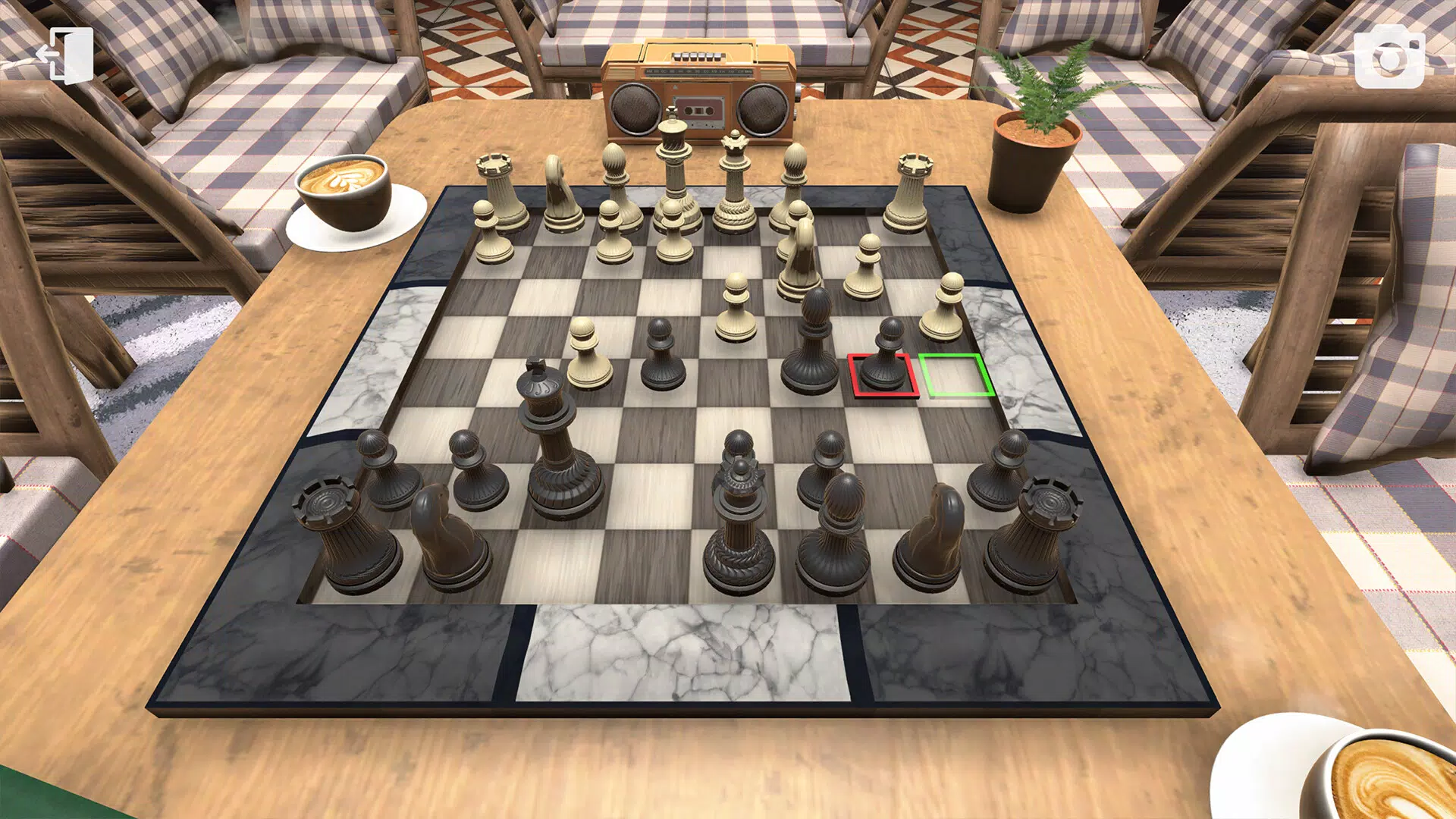
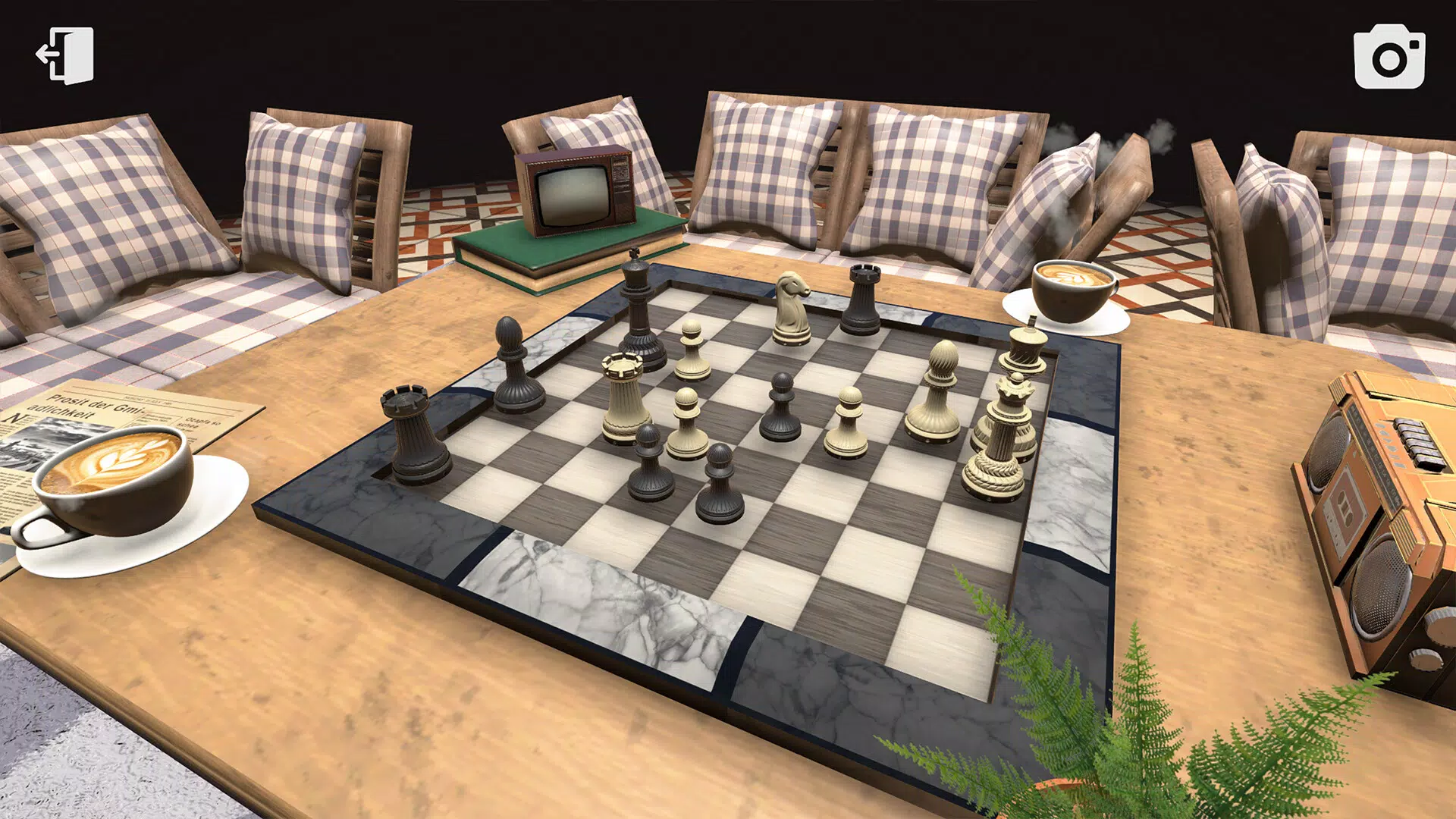
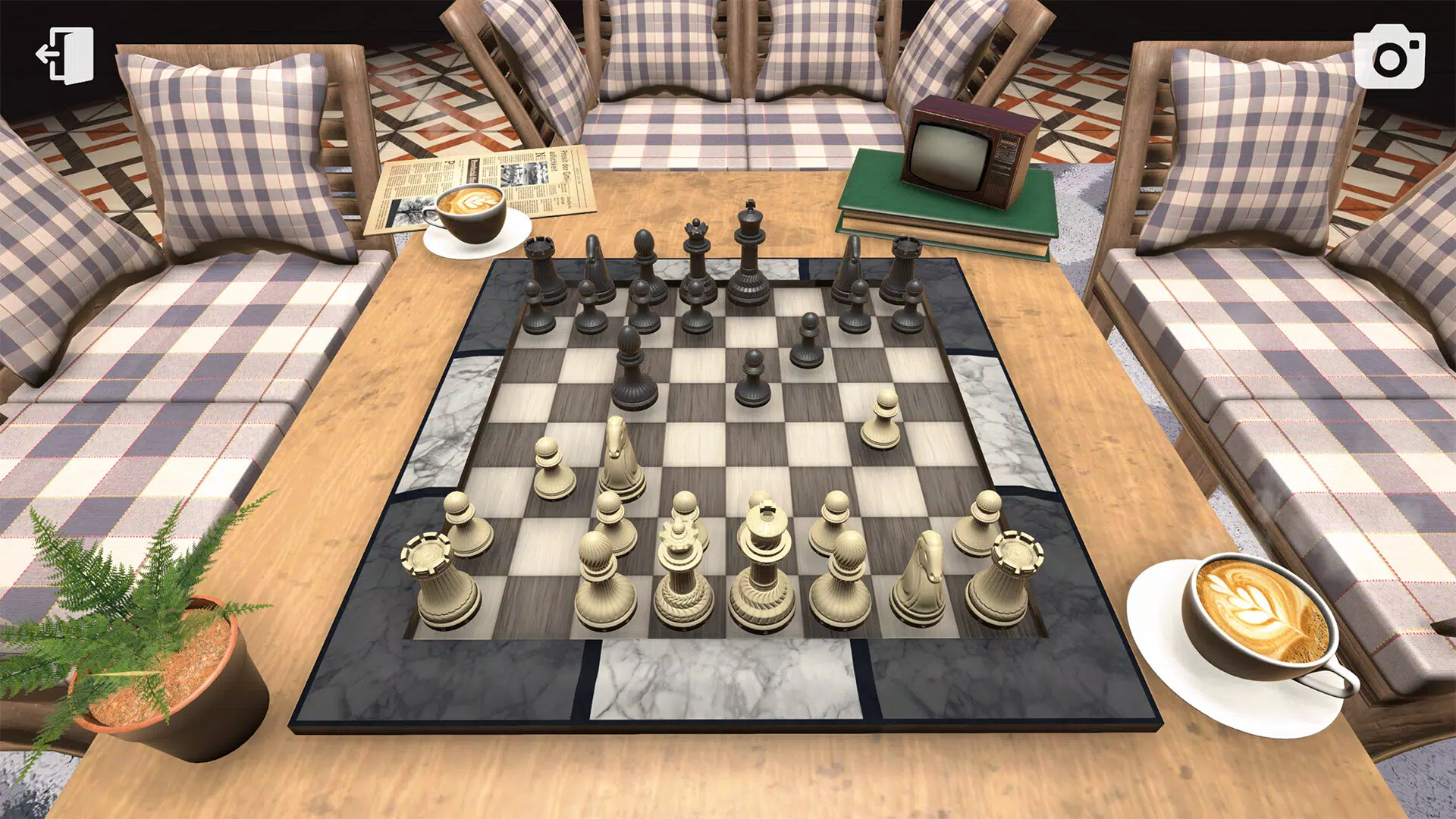
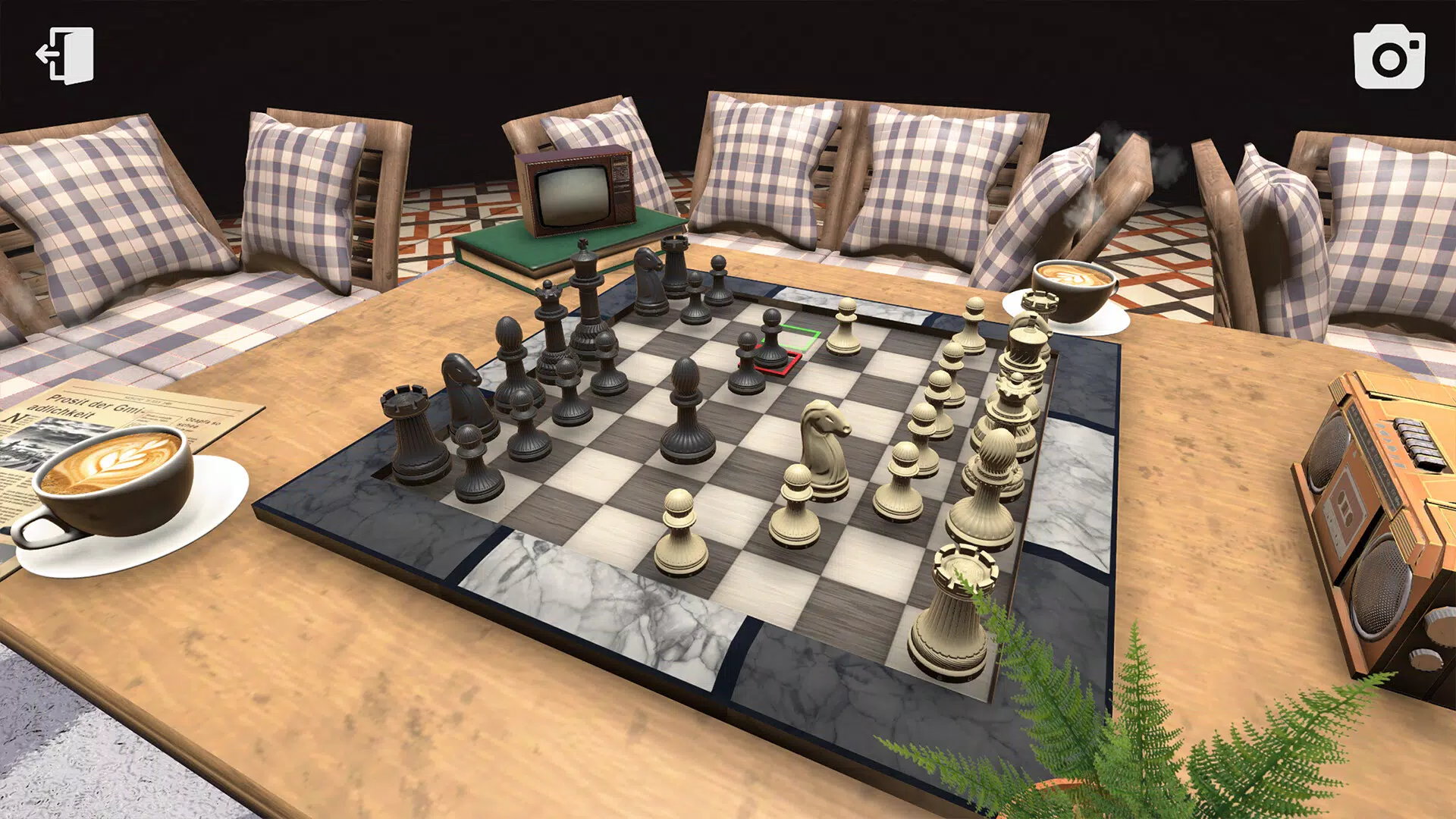
- Immersive 3D Graphics: The app features detailed 3D models of chess pieces and richly designed backgrounds, creating a visually dynamic playing field. This enhances user engagement, particularly for younger players who respond well to vibrant, interactive environments.
- Multiple Camera Angles: Players can switch between three distinct camera perspectives to view the board. This functionality supports strategic assessment by allowing users to analyze piece positioning and potential moves from different vantage points.
- Multiplayer Options: The app includes both local two-player mode and online multiplayer functionality. This enables real-time competition with friends or opponents from around the world, fostering social interaction and cultural exchange.
- Puzzle Game Elements: Integrated challenges simulate chess puzzles, encouraging users to solve tactical scenarios. These elements promote critical thinking and long-term planning, making the app suitable for skill-building and mental development.
- User-Friendly Interface: The setup process is simple, allowing users to quickly select their color (black or white) and begin playing. This intuitive design ensures accessibility across age groups and technical skill levels.
For example, a child learning chess can use the puzzle mode to practice checkmate scenarios, while a parent might engage in a local game with their child to strengthen bonding and strategic communication. Similarly, an adult player could participate in online matches to maintain cognitive sharpness. The app’s layered functionality supports both casual enjoyment and structured learning, making it adaptable to various user needs and contexts.
Interface, UX & Performance
The user interface of 3D Chess Online is designed with clarity and simplicity in mind. The layout centers on the 3D chessboard, with intuitive controls for piece movement and camera adjustment. Visual cues are minimal but effective, ensuring that users can focus on gameplay without distraction.
Navigation is straightforward, with primary actions accessible through clearly labeled buttons and touch gestures. The app’s responsiveness is consistent across devices, though the developer did not list formal performance metrics. Although the developer did not list formal performance metrics, the app maintains smooth transitions between camera angles and piece animations, suggesting optimized rendering for standard Android devices.
Stability appears reliable during both single-player and multiplayer sessions, with no reported issues related to crashes or freezes. The app’s performance on older or lower-end devices was not disclosed, but the 50.6 MB file size indicates a lightweight design that should support broad accessibility. Overall, the user experience is streamlined and focused, aligning with the app’s educational and entertainment goals.
Platform Compatibility & Technical Requirements
3D Chess Online is available exclusively on the Android platform. The current version is 1.0.2, with a file size of 50.6 MB. The developer did not specify minimum OS requirements or device compatibility details.
As such, users should verify whether their device meets the necessary conditions before installation. The app is free to download and use, with no in-app purchases or advertisements mentioned in the provided information. While the developer did not list formal performance metrics, the app’s lightweight footprint suggests it is designed to function efficiently on a wide range of Android devices.
Compatibility with iOS or other platforms was not confirmed. Users should consult their device settings or app store listings for further details on system compatibility.
Pros and Cons
Pros
- Visually engaging 3D chessboard with detailed piece models and dynamic backgrounds.
- Multiple camera angles enhance strategic decision-making and gameplay depth.
- Supports both local and online multiplayer, enabling social interaction and global competition.
- Integrates puzzle-like challenges to promote critical thinking and mental development.
- Simple, intuitive interface suitable for users of all ages, especially children.
- Free to download and use, with no visible in-app purchases or ads.
Cons
- Specific system requirements were not listed, limiting clarity for potential users.
- Compatibility with older Android devices was not confirmed.
- Developer did not provide information on update frequency or future feature plans.
- Online multiplayer functionality may depend on stable internet connectivity.
- No advanced analytics or progress tracking features were mentioned.
FAQ
Is 3D Chess Online available for iOS devices?
The app is currently available only on Android. No information was provided regarding iOS compatibility.
Does the app contain in-app purchases or advertisements?
Based on the provided information, the app is free to download and use. No in-app purchases or advertisements were mentioned.
Can I play with friends locally?
Yes, the app supports local two-player mode, allowing users to play face-to-face on the same device.
How often is the app updated?
The developer did not disclose the update schedule or frequency of version releases.
Is the app safe to download and install?
As the app is available through official Android channels and is free from known malware, it is considered secure for installation. Users should ensure they download from trusted sources.
Final Thoughts + CTA
3D Chess Online stands out as a thoughtful blend of tradition and innovation in the mobile strategy genre. With its immersive 3D visuals, flexible camera options, and dual multiplayer modes, it offers a compelling experience for both casual players and those seeking mental stimulation. Its emphasis on puzzle-based learning and strategic planning makes it especially valuable for children and educators.
The intuitive interface ensures that users can begin playing immediately, while the free access model increases its reach. Although some technical details remain undisclosed, the app delivers a polished, stable experience that aligns with its educational and entertainment goals. Whether used for family fun, classroom learning, or personal enrichment, 3D Chess Online proves to be a versatile and engaging tool.
For anyone looking to explore chess in a dynamic, modern format, this app is a strong contender. Download 3D Chess Online now.


